

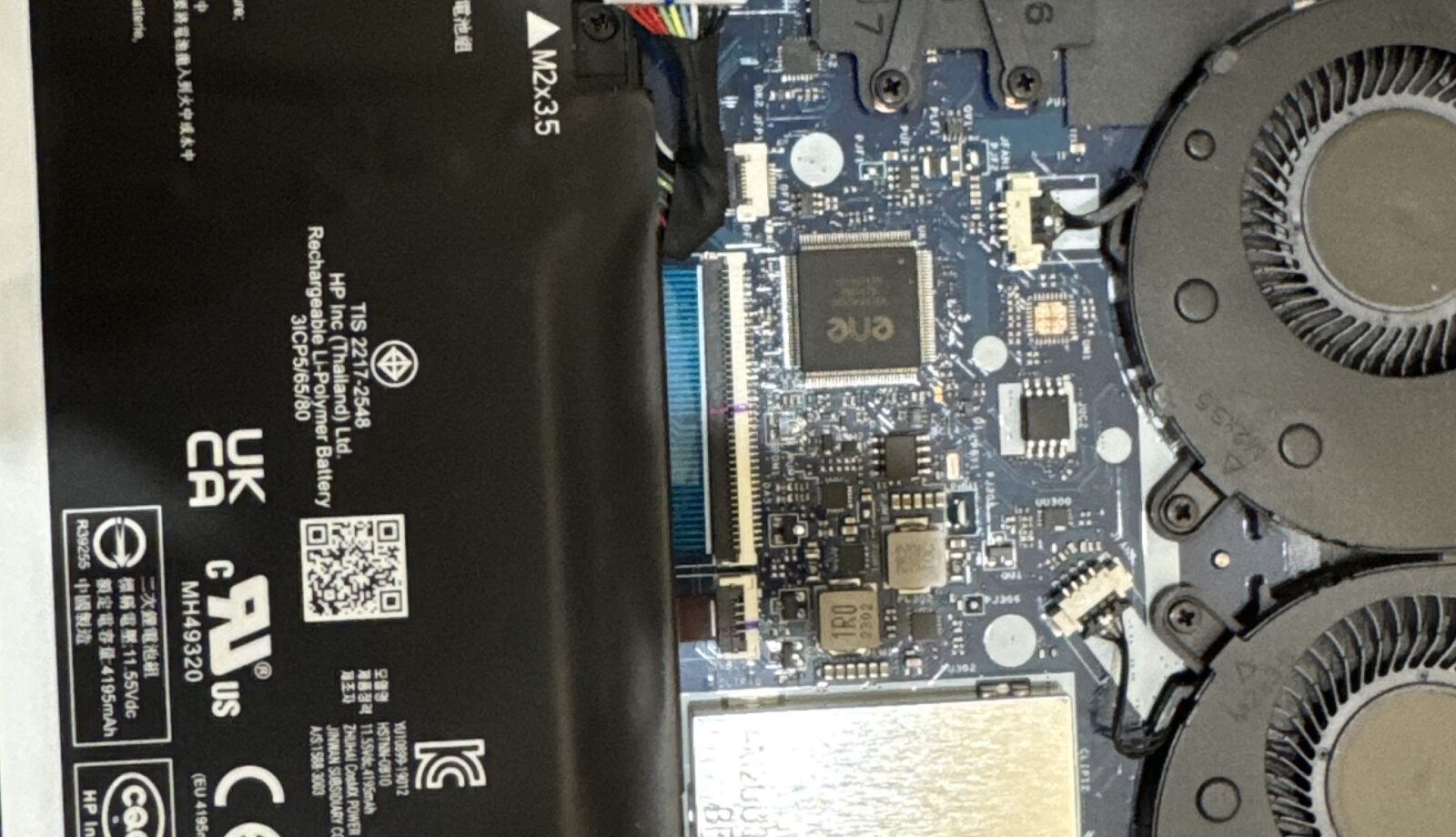
Every week someone brings a laptop into our Bentleigh East workshop and asks the same question: is it worth putting money into this, or should I just buy a new one? For a machine that has slowed to a crawl, the honest answer is often a laptop SSD upgrade, but not always. Here is how we work through it on the bench, so you can make the call with your eyes open.
Why a slow laptop is usually a storage problem
Most laptops sold before about 2019, and plenty of budget models since, shipped with a spinning hard drive or a slow eMMC chip. Windows 10 and 11 were not designed with those in mind. Each update adds background work, the antivirus scans more files, browsers cache more, and the drive becomes the bottleneck. The symptoms are familiar: five minutes to reach the desktop, a spinning cursor every time you open a folder, Outlook freezing mid-search, and the fan running flat out while the drive light stays solid. The processor is often barely working; it is waiting on the drive. Swap that drive for a solid-state drive and the same laptop boots in under half a minute. We see this transformation most days, and it is the single most cost-effective repair we do.
When an SSD upgrade is the right call
- The laptop is from roughly 2015 onwards with an Intel Core i5 or i7, or an AMD Ryzen, processor. These have plenty of life left in them.
- It has 8 GB of RAM, or can be taken to 8 GB or more at the same time.
- The screen, keyboard, hinges and battery are in reasonable shape, or the faults are cheap to fix alongside.
- You use it for email, web, Office, video calls, photos and the odd streaming session rather than heavy video editing or current games.
In that situation an SSD, your existing Windows and programs cloned across, and perhaps a RAM top-up gives you a laptop that feels new for a fraction of the price of a replacement. The job usually takes a few hours, and you keep everything exactly where it was.
When we tell people to buy new instead
We would rather lose a sale than put money into a machine that will disappoint you. We suggest replacement when:
- The processor is a Celeron, Pentium or early dual-core chip. An SSD helps, but the ceiling is low and the frustration returns within a year.
- RAM is soldered at 4 GB with no slot to add more. Windows 11 struggles there regardless of storage.
- The laptop already has an SSD and is still slow. The problem is elsewhere, and it may be an ageing processor, a failing board or software that needs a clean install.
- There are several physical faults at once. A cracked hinge, a weak battery and a dim screen together can cost more than the laptop is worth.
- It cannot run Windows 11 and you need a supported system for banking or work.
What we check before quoting
Rather than guessing, we run a quick health check: drive SMART data and speed, RAM amount and slot availability, processor model, battery wear, and a look at the hinges and ports. From that we can tell you plainly whether an upgrade will transform the machine or merely delay the inevitable. If the drive is already failing, we talk about data recovery before anything else, because a dying hard drive does not improve with time.
How the upgrade is done
We image your existing drive onto the new SSD so Windows, your programs, printers, bookmarks and files all come across intact. If the old installation is cluttered or infected, we recommend a fresh Windows install with your files and programs put back, which gives the best result. Then we update drivers, confirm the firmware sees the new drive, run the speed tests, and check the battery and cooling while the case is open. Most upgrades are finished the same day; cloning a very full or very slow drive can take longer, and we will say so up front.
Cost and time in general terms
An SSD upgrade with cloning sits well under the cost of a mid-range new laptop, and adding RAM at the same time is cheaper than doing it separately later. We quote a fixed price before starting, and there is no charge if the check shows the machine is not worth it. Turnaround is usually the same day for a drop-off before midday.
Will I lose my programs or settings?
No. Cloning copies the whole installation, so you log in to the same desktop, just faster. Only a deliberate clean install changes anything, and we agree that with you first.
Can my old laptop take an SSD at all?
Almost every laptop with a 2.5-inch hard drive can. Thinner models use M.2 slots, which we also stock. The rare exceptions are machines with soldered eMMC storage, which we identify during the check.
Should I add RAM at the same time?
If the laptop has 4 GB, yes, because Windows 11 and a modern browser will use all of it. With 8 GB or more, the SSD alone usually does the job.
Does an SSD help a MacBook too?
Older Intel MacBook Pro and iMac models with hard drives benefit enormously. Newer models have soldered storage, so the conversation is different; bring it in and we will advise.
If your laptop has become painful to use, bring it to Melbourne IT Services at 2 Bellevue Road, Bentleigh East VIC 3165, with parking at the door. We are open 7 days, 5am to 11pm. Call 0421 388 876, read about our laptop repair service and everything else we do, or contact us online and we will tell you whether an upgrade or a new machine is the smarter spend.
