
An iMac tends to sit on the same desk for eight or ten years, which is why the faults we see on them are so predictable: it gets slower every year, one day it refuses to start, or the screen stays black while the fan spins. Because the whole computer lives behind the display, many people assume an iMac is sealed and a fault means a new machine. In our Bentleigh East workshop we open iMacs every week, from the 2012 slim models to the Apple silicon 24-inch, and most of what goes wrong is fixable at a sensible cost. Here is how we approach iMac repair in Melbourne and what to check before you bring one in.
The iMac faults we see most
- Painfully slow 2013–2019 models. Most shipped with a 5400 rpm hard drive or a Fusion Drive. Once the spinning drive ages, the beachball appears on everything from opening Mail to logging in. This is the most common iMac job we do.
- Won’t turn on at all. No chime, no light, no fan. Usually the internal power supply, sometimes the logic board, occasionally just a dead power lead or a tripped power board under the desk.
- Turns on but stays black. The fan runs but the display never lights. On Intel models this is often the LED backlight driver or display cable; on older 27-inch units it can be the graphics chip.
- Flashing folder with a question mark. The iMac cannot find a bootable drive. Either the drive has failed or macOS is corrupted.
What to try at home first
- Try a different power outlet and, if you have one, a different power cable. Power boards fail more often than iMacs do.
- If it powers on but stays black, shine a torch at an angle across the screen. If you can faintly see the login screen, the backlight has failed and the computer itself is fine.
- Hold the power button for ten seconds, then start in Safe Mode (hold Shift on Intel; hold the power button until Options appears on Apple silicon). If it boots there, the problem is software rather than hardware.
- On a slow iMac, open Activity Monitor and watch the Disk tab. If basic tasks pin the drive at 100 percent, the drive is the bottleneck and no clean-up will cure it.
What we would not suggest is opening the iMac yourself. The display on 2012 and later models is glued on and has to be cut free, then re-taped with fresh adhesive strips. Done casually you end up with dust under the glass or a cracked panel, and the repair becomes far more expensive than the original fault.
How we repair iMacs in the workshop
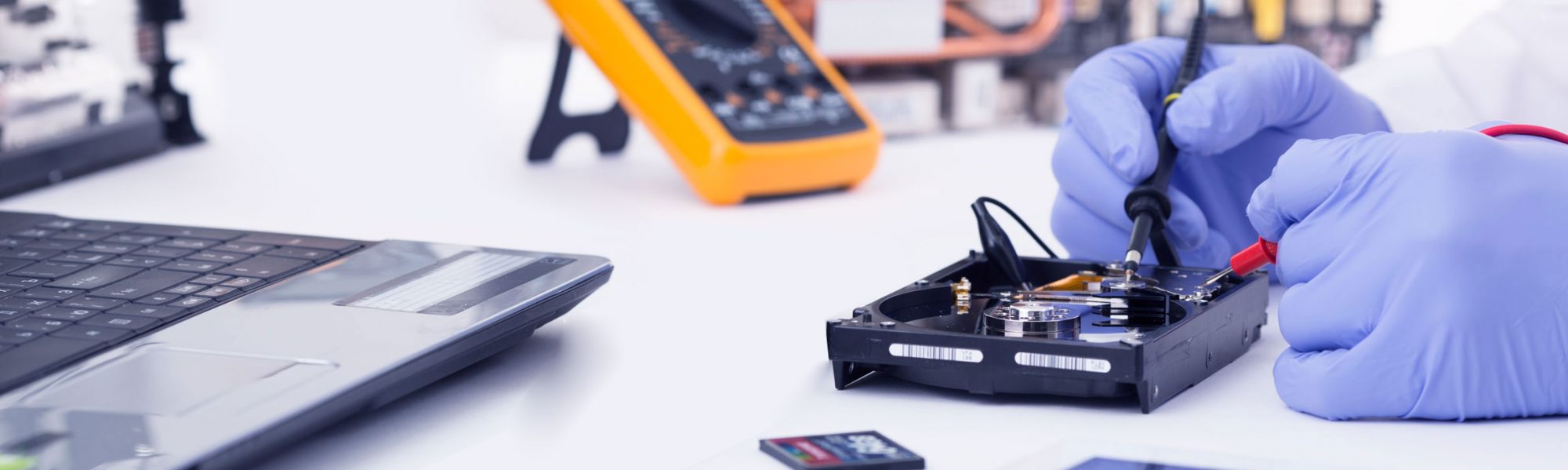
Every iMac starts on the bench with a power and display test, a drive health scan and a memory test. That tells us within the first half hour whether we are looking at a drive, power supply, display or board problem, and we quote from there rather than guessing.
For slow Intel iMacs, the fix that transforms them is an SSD upgrade. We open the display, replace the hard drive or Fusion Drive with an SSD, fit a temperature sensor so the fan behaves, clone your data across or install a fresh macOS, and re-seal the display with new adhesive. A 2015 or 2017 iMac on an SSD boots in under twenty seconds and feels like a different computer. If the drive has already failed, we recover what we can first; our data recovery service explains how that works on failing Apple drives.
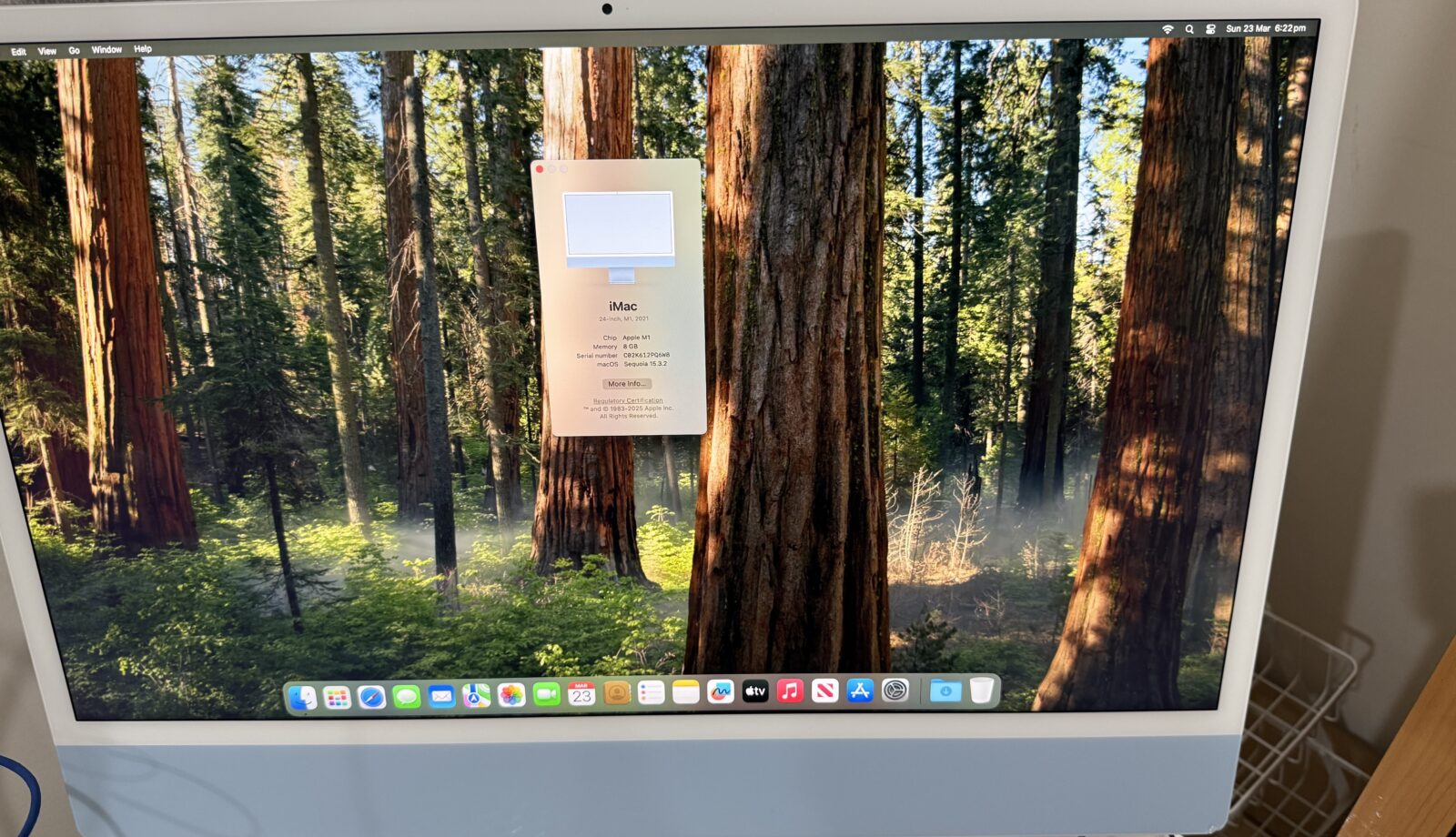
Power supply failures on Intel models are a straightforward board swap. Backlight and cable faults are repaired at component level where possible. Logic board faults are assessed case by case: we repair at board level where the fault is a known one, and we are honest when a board repair would cost more than the iMac is worth. The same bench that handles our MacBook repairs handles iMacs. Apple silicon iMacs have soldered storage, so there is no drive upgrade, but we still handle power, port, display and macOS problems on them.
Cost and turnaround in general terms
An SSD upgrade with data transfer is typically same-day or next-day and is the best value repair an older iMac can have. Power supply replacement is usually one to two days depending on parts. Display and backlight repairs vary by model and we quote after testing. We publish ranges rather than fixed prices because a 2012 21.5-inch and a 2019 27-inch 5K are very different repairs, and we will always say up front if the money is better spent on a newer machine.
When to bring it in
Bring the iMac in if it will not power on after you have tried another outlet, if the screen stays black, if you see the flashing question mark, or if it is slow enough that you are avoiding using it. If the drive is clicking or grinding, stop using it and bring it in the same day so we can image the drive before it fails completely. You only need the iMac and its power cable. There is parking right at the door, and we are open seven days from 5am to 11pm.
Frequently asked questions
Is it worth repairing a 2013 or 2015 iMac?
For most people, yes, if the fault is the drive. An SSD costs far less than a replacement iMac and these models handle everyday tasks well once the slow drive is gone. If the logic board or display has failed on a 2013 model we usually advise against it, and we will say so.
Can you keep my photos, emails and documents during the repair?
Yes. On a drive upgrade we clone your existing system to the new SSD, so everything is where you left it. On a failed drive we recover what is readable before fitting the new one. A Time Machine backup beforehand is still a good idea.
How long does an iMac SSD upgrade take?
Usually the same day if you drop it off in the morning. Cloning a large, slow hard drive is the part that takes time, so a very full 2TB drive can push it to the next day.
Book an iMac repair in Bentleigh East
Melbourne IT Services repairs iMacs, MacBooks, laptops and desktops at 2 Bellevue Road, Bentleigh East VIC 3165, with parking at the door. We are open 7 days, 5am to 11pm. Call 0421 388 876, use our contact page, or browse our full list of repair services.
