

Gaming laptops are built to run hot. The trouble starts when hot becomes too hot: the fans sit at full speed the whole session, frame rates that were smooth six months ago now stutter, and the keyboard deck is uncomfortable to rest your hands on. We see a steady stream of these machines at our Bentleigh East workshop, from thin-and-light models with RTX graphics to older desktop-replacement bricks, and the cause is almost always one of a handful of things that are very fixable.
Symptoms that point to overheating rather than a slow laptop
Thermal throttling has a particular feel. The game or render starts fine, then after ten or fifteen minutes performance drops sharply and stays low. Fan noise climbs and never settles. A monitoring tool such as HWiNFO will show CPU or GPU temperatures in the high 90s with clock speeds falling in step. If the slowdown is there from the moment you log in, before anything heats up, you are more likely looking at a software or storage problem, and that is a different conversation.
What is usually behind it
In order of how often we find it: a heatsink fin stack packed with dust and fluff, so the fans spin hard but push air through a felt mat; thermal paste that has dried and cracked after two or three years of heat cycles; a fan with a worn bearing that no longer reaches full speed, or one that has failed completely; and thermal pads on the memory and power stages that have gone hard.
What you can safely try at home
Start with the free checks. Use the laptop on a hard, flat surface and make sure the rear and side exhausts are clear. Open the manufacturer’s control app (Armoury Crate, Omen Gaming Hub, Lenovo Vantage, Alienware Command Center and so on) and set the fan profile to performance or turbo while gaming to see if temperatures fall. Blow compressed air through the exhaust vents in short bursts with the machine switched off, holding the fan still with a toothpick so it does not overspin. If the vents are visibly clogged or the fans grind or rattle, stop there and bring it in.
How we fix it in the workshop
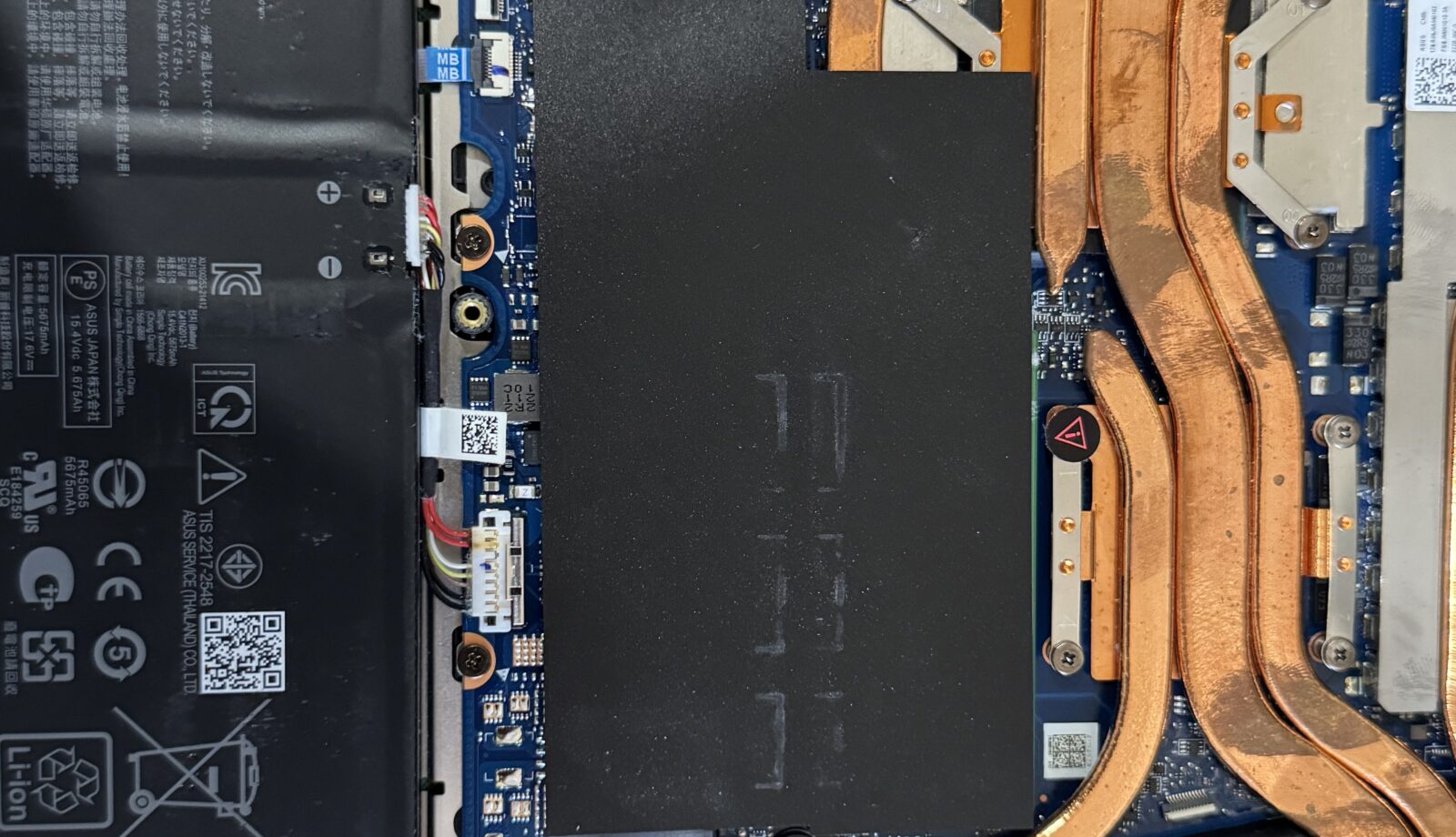
A proper thermal service means taking the bottom case off, removing the heatsink assembly, and cleaning the fins and fan blades properly rather than blowing dust further in. We replace the old paste with a quality compound, and on machines that run very hot we can use a high-performance paste or a phase-change pad that holds up better over time. Thermal pads are measured and replaced with the correct thickness; the wrong thickness is a common cause of a laptop that runs hotter after a repair elsewhere. Fans that are noisy or slow are replaced with genuine or equivalent parts. Before and after, we run the same stress test and log the temperatures so you can see the difference, which is usually somewhere between 10 and 25 degrees under load.
We also check the obvious things people miss: a battery that has swollen and is pressing on the fan housing, exhaust grilles bent closed by a knock, and BIOS updates that fix a bad fan curve on particular models. Our laptop cleaning and overheating service page has more on what the job includes.
Cost and turnaround in general terms
A clean and re-paste is one of the more affordable laptop repairs, and most are done the same day if you drop in early. Adding a replacement fan adds the cost of the part and a little time to source it, as gaming laptop fans are model-specific and we do not keep every one on the shelf. We will quote before any work starts and only charge for what the machine needs.
When to bring it in
If temperatures are hitting the high 90s, the laptop is shutting itself down, a fan has started grinding, or it is more than two years since it was last opened, book it in. Running a throttled laptop will not kill it overnight, but years of extreme heat shorten the life of the GPU solder joints and the battery, and those are far more expensive problems. Our laptop repair in Bentleigh page covers the other faults we handle on the same visit.
Frequently asked questions
Is it normal for a gaming laptop to hit 90 degrees?
Short bursts into the high 80s and low 90s under full load are common on thin gaming machines, but sustained temperatures there, especially with falling clock speeds, mean the cooling is no longer keeping up. If it used to run cooler on the same games, something has changed and it is worth checking.
Will a cooling pad fix the problem?
A cooling pad helps a little with airflow underneath, but it cannot undo a blocked heatsink or dried thermal paste. Think of it as a small bonus on top of a healthy machine, not a repair.
Does a thermal service void my warranty?
On most brands opening the base to clean and re-paste is fine, but a few manufacturers use warranty seals. If your laptop is still under warranty we will tell you before touching anything, and suggest a warranty claim where that is the better path.
Melbourne IT Services is at 2 Bellevue Road, Bentleigh East VIC 3165, with parking at the door. We are open 7 days, 5am to 11pm. Call 0421 388 876 or use our contact page to book a thermal service or ask a quick question about your gaming laptop.
