

Ask anyone who repairs laptops for a living and they will tell you the same thing: the brands do not fail at random. Each manufacturer makes design choices that save money or weight, and years later those choices turn up on our bench as the same handful of faults. If you know the common laptop faults by brand, you can spot trouble early and avoid paying for the wrong repair. Here is what we see most often at Melbourne IT Services, brand by brand.
Dell: batteries, charging detection and cracked palmrests
The Dell fault we see most is a swollen battery. The first sign is usually a trackpad that no longer clicks properly or a base that will not sit flat on the desk. The battery is pressing up from underneath. It needs replacing before it damages the trackpad or keyboard above it.
The second Dell habit is charging detection. Dell adapters carry an identification signal through a thin centre pin, and when that pin or the cable near the plug is damaged the laptop reports that the adapter type cannot be determined. It then refuses to charge or throttles the processor hard. Often a genuine replacement adapter is the whole fix; if not, we test the DC jack and its board connector. Inspiron models also tend to crack around the hinge mounts in the palmrest after a few years, which we repair properly rather than just gluing.
HP: hinges pulling out of the base
If a customer rings and says the screen corner has lifted or there is a cracking sound when they open the lid, we can usually guess it is an HP Pavilion or Envy before they tell us the model. The hinges on many consumer HP laptops are screwed into brass inserts moulded into the plastic base, and over time those inserts tear free. Once one goes, the other follows, and the screen cable gets pinched in between. Caught early, the fix is to rebuild the mounting points and reseat the hinges. Left too long, the bottom case and sometimes the display cable need replacing as well, so the cost roughly doubles.
The other HP regular is the Wi-Fi card. We see driver conflicts after major Windows updates and cards that simply fail and vanish from Device Manager. A new module is a quick, inexpensive repair.
Lenovo: IdeaPad hinges, worn keyboards and slim-tip chargers
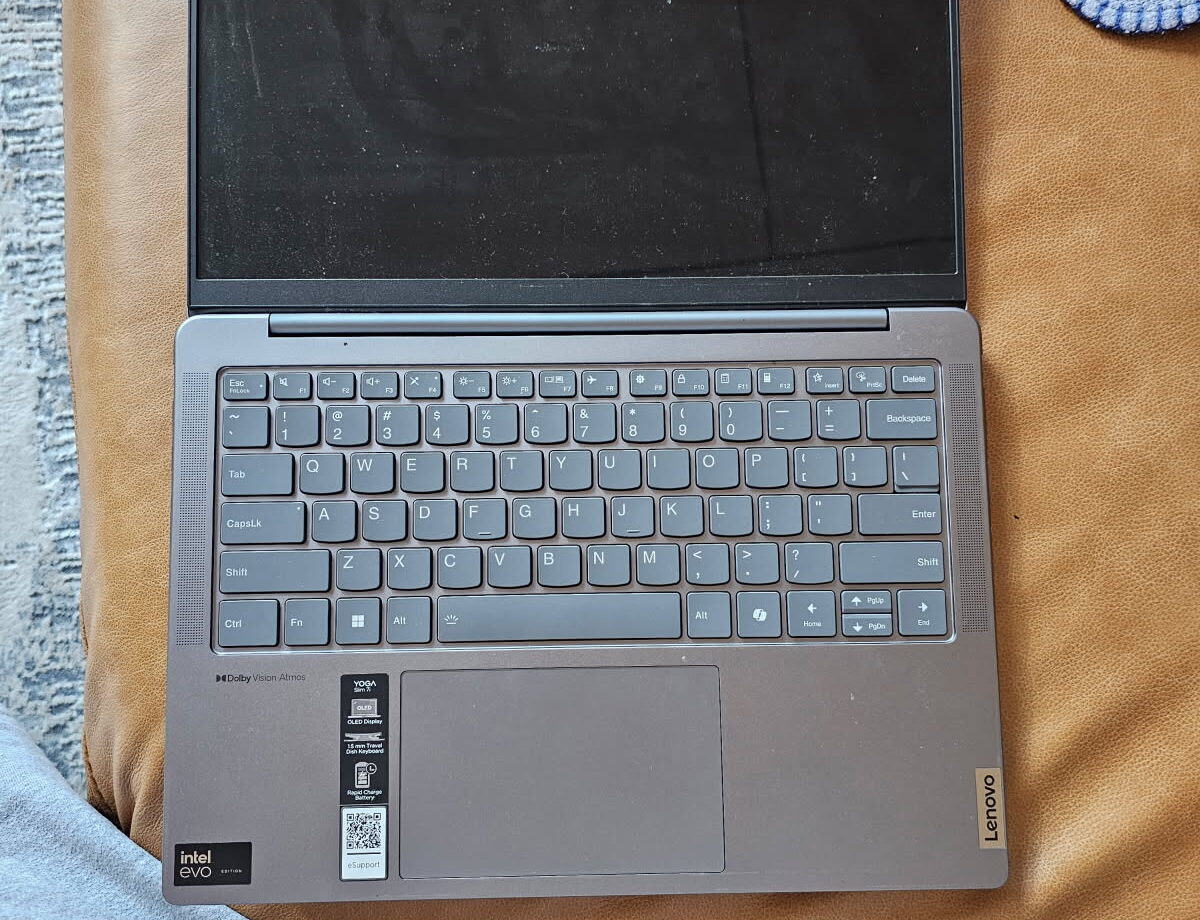
Lenovo splits neatly in two. ThinkPads are built for long service and their most common fault is simply wear: keyboards with worn or sticking keys after years of heavy typing, and batteries at the end of their life. Both are straightforward replacements. IdeaPads, the consumer range, share the hinge problem seen on HP machines, and we also see trackpads that stop responding after a Windows update changes the driver, which is a software fix rather than a hardware one.
Lenovo’s rectangular slim-tip charging plug deserves a mention. The plug is small and the port on the laptop is soldered directly to the motherboard on many models. A trip over the cable cracks those solder joints, and the symptom is a charger that only works when held at an angle. We re-solder or replace the port at board level, which is far cheaper than a new motherboard. Our motherboard repair service covers exactly this kind of work.
ASUS: heat, screen cables and keyboards
ASUS makes a lot of gaming and performance laptops, and heat is the recurring theme. The thermal paste on ROG and TUF models dries out, dust packs into the fins, and the machine starts throttling or shutting down mid-game. A thorough internal clean and repaste brings temperatures down noticeably and is covered under our laptop cleaning and overheating service. On the thinner VivoBook and ZenBook ranges the usual complaints are a display that flickers when the lid moves, which points to the display cable where it passes through the hinge, and keyboards with keys that stop registering. Both are routine replacements.
What you can check at home
- Put the laptop on a flat table and look at it from the side. If it rocks or the trackpad sits proud, suspect the battery.
- Open and close the lid slowly and listen. Clicks, creaks or a corner that lifts mean the hinges need attention now.
- Wiggle the charger plug gently while watching the charging light. Flickering points to the jack or cable.
- Feel the exhaust vent after twenty minutes of use. Very hot air, or no airflow at all, means the cooling needs a service.
None of these checks need tools, and they tell us a lot over the phone.
How we diagnose and repair
Every laptop gets the same process regardless of brand: a visual inspection, a charger and battery test, a thermal check under load and a look through the Windows event log for the faults you cannot see. Most of the repairs above are completed within a day or two, depending on parts. Hinge rebuilds, battery replacements, keyboard swaps and charging port repairs sit at the affordable end of laptop repair. We will always quote before starting, and if a repair is not worth it on an older machine we will tell you so.
Frequently asked questions
Is one brand more reliable than the others?
In our experience the business ranges from each maker, such as Latitude, EliteBook, ThinkPad and ExpertBook, outlast the consumer ranges by a clear margin. Within consumer models the differences between brands are smaller than the differences between price points.
Do you use genuine parts?
For batteries, keyboards and hinges we use genuine or manufacturer-grade parts wherever they are available in Australia. Where a genuine part is discontinued we will explain what the alternative is and how it differs.
My laptop is still under warranty. Should I come to you?
If the fault is covered, use the warranty first. We are happy to confirm what the fault is so you can describe it accurately to the manufacturer, and we take over when warranty has expired or does not cover the damage.
Whatever badge is on the lid, bring it to Melbourne IT Services at 2 Bellevue Road, Bentleigh East VIC 3165, with parking at the door. We are open 7 days, 5am to 11pm. Call 0421 388 876, see our laptop repair service or contact us online and we will tell you what your laptop is most likely suffering from before you even drop it off.
