
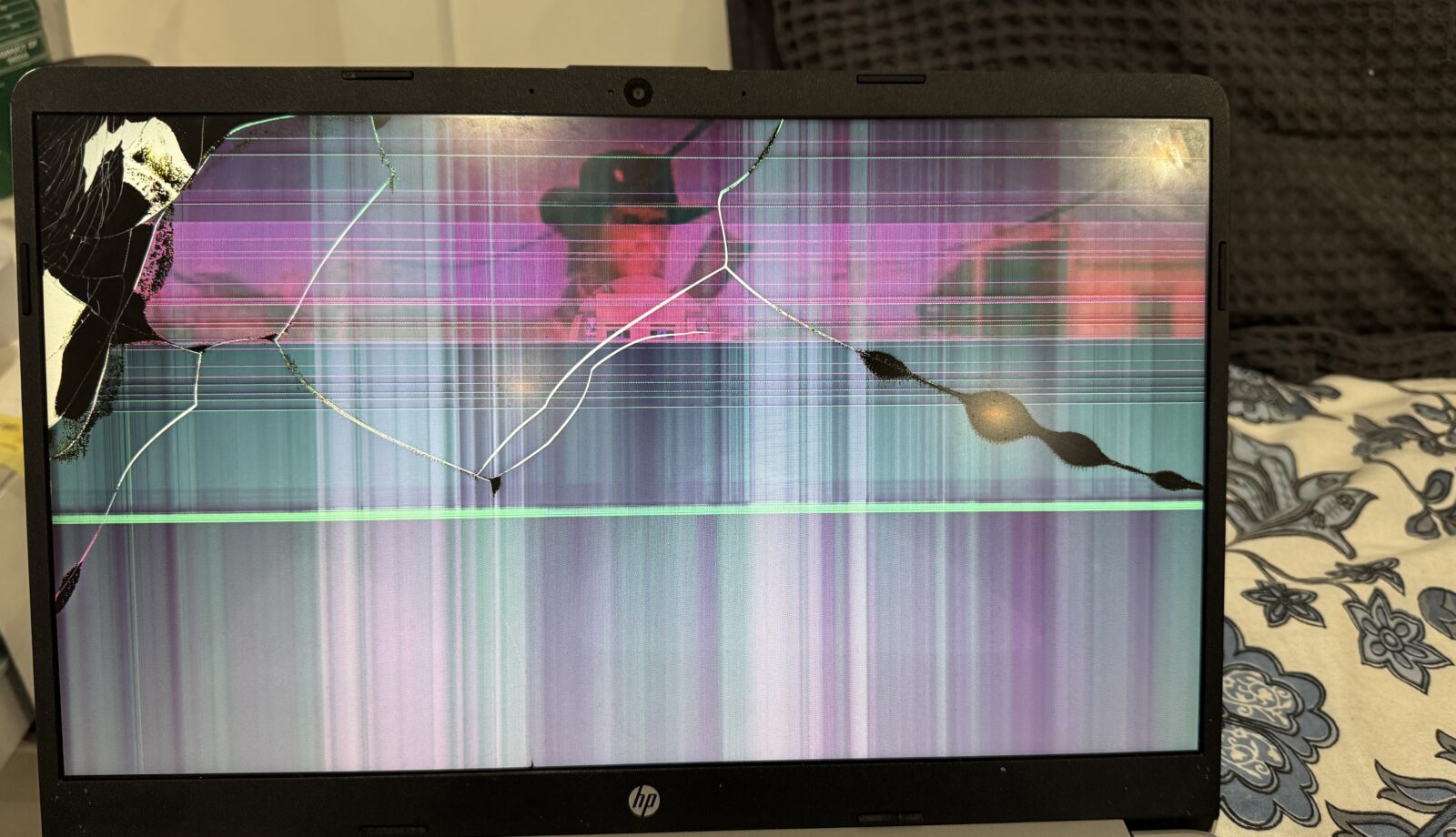
A laptop goes off the kitchen bench, a glass of water tips into a MacBook, a bag gets run over in the driveway. Once the shock wears off, most people ring their insurer, and the insurer almost always asks the same question first: can you get us a repair report? Every week we write these for customers across Bentleigh East and bayside Melbourne, so this guide explains what a laptop repair report for an insurance claim actually contains, how we put one together and what to expect after it is sent.
What the insurer is asking for
An insurer needs three things from an independent repairer before it can decide a claim: confirmation of what is damaged, an opinion on how the damage happened and whether it is consistent with your description, and a quote to repair or a statement that the machine is uneconomical to fix. Some policies call it a damage assessment report, others an assessment and quote; the content is the same.
What our repair report covers
Our report is a written document with the following sections. The machine’s identity, meaning brand, model number, serial number, storage and memory, and the age where it can be established from the serial. The reported cause, recorded in your words. A description of the damage we found on inspection, with dated photographs of each affected part. Our assessment of whether the damage is consistent with the cause given, which the insurer relies on to rule out wear and tear or a pre-existing fault. A parts and labour quote to return the laptop to working order. Where repair is not sensible, a statement to that effect with a short explanation, and a note on whether the data is recoverable.
We stick to what we can see and test. If a liquid spill has left corrosion on the logic board we photograph it. If a screen has a pressure crack rather than an impact crack we say so, because the distinction matters to an assessor and a report that glosses over it tends to come back with questions.
What to bring, and what to tell us
Bring the laptop, its charger and anything that was damaged with it, such as a bag or sleeve, because the insurer may ask about those too. If you have the original receipt or an order email, forward it to us so the purchase date and price can go in the report. Tell us plainly what happened; a short, specific account like dropped from a desk onto tiles helps more than a vague one, and we never embellish it.
Please do not try to fix the machine first. A laptop that has been opened, dried with a hair dryer or had its screen half removed is harder to assess, and an assessor can reasonably ask why. If liquid is involved, keep it powered off and read our guide to the first ten minutes after a laptop liquid spill while you arrange to drop it in.
How the assessment is done
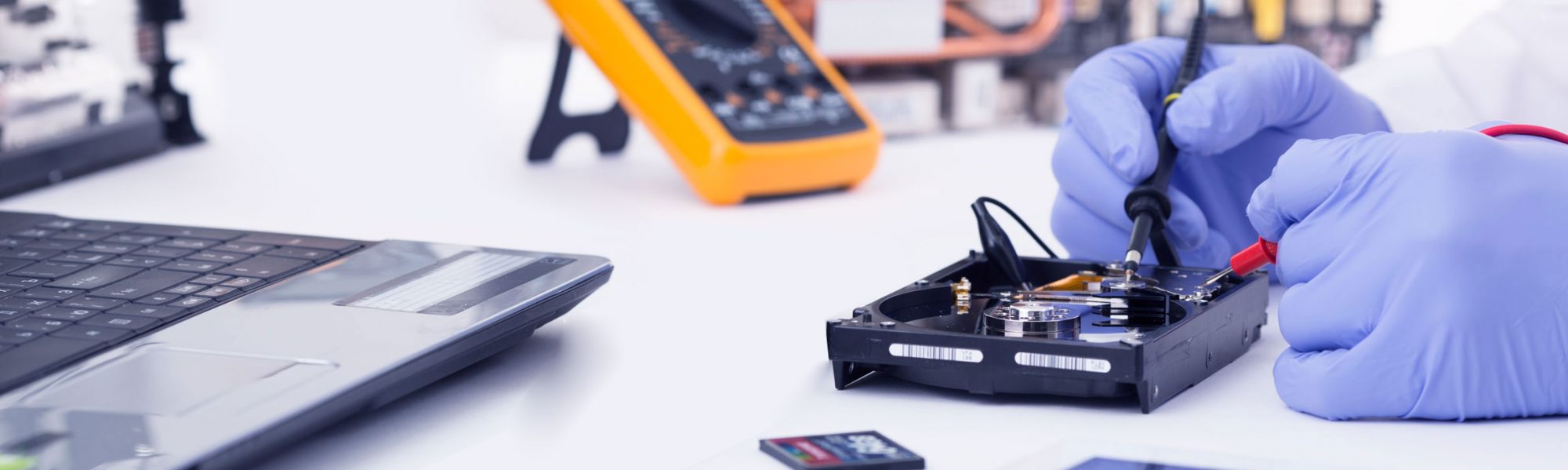
Assessment is hands-on, not a glance at the outside. We open the laptop, inspect the board, screen, battery, hinges and ports, and test whatever still powers up. Screen damage is checked against the lid and hinge condition, because a broken hinge often explains how a screen cracked. The drive is tested so we can say honestly whether your data is safe. Everything is photographed as we go.
Most assessments are completed the same day or the next business day, and the report is emailed to you as a PDF so you can forward it to the insurer or upload it to the claim portal. If the insurer wants to speak to us directly, that is fine; we are used to assessor phone calls and will answer their technical questions.
Cost and time in general terms
We charge a flat assessment fee for the report, which covers the inspection, the photographs and the document itself. If the insurer approves the repair and you have it done with us, that fee is deducted from the repair cost. If the machine is written off and you go on to buy a new one, the fee is often claimable as part of the loss, so keep the receipt. Repairs themselves are quoted per job and range from a straightforward screen or hinge repair to board-level work after a spill; the report gives the insurer a precise figure rather than a guess.
Repair, replace, or cash settlement
Once the insurer has the report it will usually do one of three things. Approve the repair, in which case we order parts and go ahead. Declare the machine a total loss and offer a replacement or a cash settlement, which tends to happen when the repair quote approaches the value of an equivalent new laptop. Or ask a follow-up question, which we answer the same day.
Does my insurer need to send me to you?
Some policies name a preferred repairer; most let you choose an independent repairer in your area. Check the claim instructions or ask the claims officer. If they are happy for you to use a local workshop, we can start straight away.
Will the report say what I want it to say?
It will say what we find. An honest report is also the one most likely to be accepted without delay, because assessors read a great many of them and know what accidental damage looks like.
Can you write a report for a laptop that will not turn on at all?
Yes. A dead machine is still identifiable from its serial number, and the board inspection tells us why it is dead. We can also state whether the storage is recoverable, which is often the part people care about most.
Do you do reports for business laptops and MacBooks?
We do. Business device policies usually want the same information plus the asset tag, and MacBooks are handled in the same way, with the added check of whether the storage is soldered to the board.
If you have a damaged laptop or Mac and a claim to lodge, bring it to Melbourne IT Services at 2 Bellevue Road, Bentleigh East VIC 3165, with parking at the door. We are open 7 days, 5am to 11pm. Call 0421 388 876 to book an assessment or use our contact page and we will tell you what to bring.
