

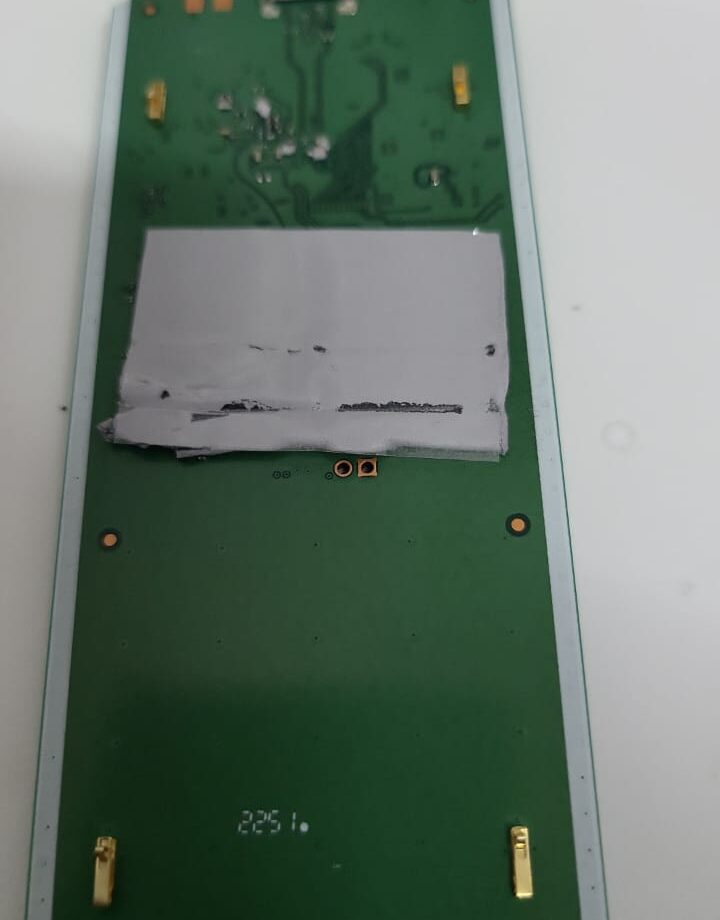
A drink goes over on the desk and the laptop takes most of it. It happens to careful people every week in our Bentleigh East workshop, and the difference between a cheap clean-up and a dead logic board is mostly decided in the first ten minutes. Here is what we tell people who ring us from the kitchen bench with a wet laptop in their hands.
Why liquid damage gets worse while you wait
Water on its own is a poor conductor; the trouble comes from what is dissolved in it and from the current still running through the board. While the laptop has power, minerals, sugar and salt create short paths between pins, and electrolysis starts eating copper traces and component legs. Coffee, tea and soft drinks are the worst because the sugar dries into a conductive crust. A board with residue on it can keep working for days and then fail suddenly once the corrosion has grown far enough.
The first ten minutes, step by step
- Pull the charger out straight away, then hold the power button until the machine is completely off. Do not shut down gracefully; speed matters more than saving the document.
- If the battery is removable, take it out. On most modern laptops it is not, so skip this and move on.
- Unplug anything in the ports: USB sticks, external drives, headphones.
- Turn the laptop upside down in an open V on a towel so liquid runs out of the keyboard rather than deeper onto the board. Leave the lid open.
- Wipe the outside and the keyboard with a dry cloth. Do not tip it back and forth to chase the liquid; you will only spread it.
- Resist the urge to press the power button to see if it still works. Every test with liquid inside is a roll of the dice.
What not to do
Do not use a hairdryer: heat drives moisture into connectors and can warp plastics. Do not put it in rice; rice does not pull liquid out from under chips and it leaves starch dust in the fans. Do not leave it on charge to dry it out. And do not wait a week to see what happens, because residue corrosion is doing its work the whole time.
How we handle a liquid spill
We open the machine the same day where we can, disconnect the battery, and photograph the board before anything is touched so we know exactly where the liquid travelled. The board, keyboard and trackpad flex are cleaned with isopropyl alcohol and an ultrasonic bath where it is safe to do so, then inspected under magnification for corroded pads and components. Only after that do we test on a bench supply, watching the current draw before we ever let it boot. If a keyboard has taken sugar it is usually replaced rather than cleaned, because individual keys fail one by one afterwards. Most spills we see are a clean-and-test job; a smaller number need board-level repair on the power rails or a new keyboard, and a few are beyond economic repair, which we tell you before any money changes hands.
Cost and time in general terms
A clean and inspection is the cheapest outcome and is often done within a day. A keyboard replacement adds the cost of the part and is model-dependent. Board-level repair is quoted after inspection and sits in the middle; where the machine is older or the board is badly eaten, we will say plainly that data recovery onto a new laptop is the better spend. Ask for an indicative range when you call and we will give you an honest one.
When to bring it in
If any liquid went into the keyboard, bring it in, even if it seems to be working. If it will not turn on, bring it in without trying again. If it turns on but the keyboard, trackpad or charging behaves strangely, that is the early sign of corrosion, and the sooner we see it the cheaper it tends to be.
Frequently asked questions
Will my data survive a liquid spill?
Usually yes. The storage drive is often untouched even when the board fails, and we can recover the data or move it to a replacement machine.
Is it worth repairing an older laptop after a spill?
It depends on the damage and what a replacement costs. We tell you after inspection and will not push a repair that does not make sense.
How long should I leave it to dry before bringing it in?
Do not wait to dry it. Power it off, drain it and bring it in. Drying at home does not remove the residue that causes the long-term damage.
Does insurance cover a laptop spill?
Many contents and portable-items policies do. We can provide a written assessment report for your insurer if you need one.
Melbourne IT Services is at 2 Bellevue Road, Bentleigh East VIC 3165, with parking at the door, open 7 days from 5am to 11pm. Call or text 0421 388 876 and we will tell you what to do with a wet laptop right now, then look at it the same day. See our full list of services or contact us online.
