

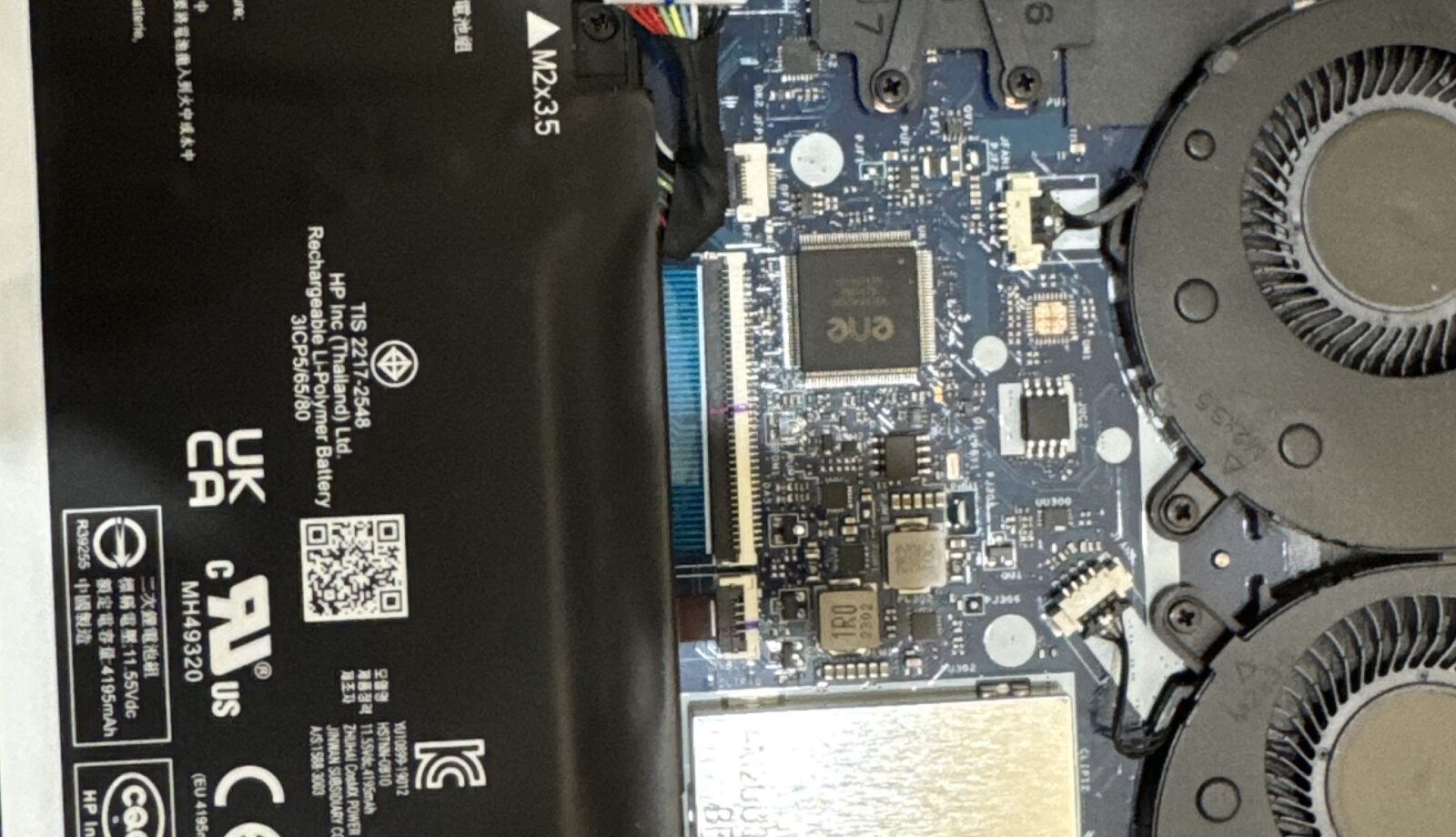
A laptop that says “plugged in, not charging”, sits at 0% with the charger connected, or only runs while it’s on power is one of the most common jobs on our Bentleigh East bench – and one of the cheapest to fix when the cause is found properly. Here are the six causes we see, in the order we check them, with what you can test at home first.
1. The charger or cable
Still the number‑one cause. Chargers fail quietly: the brick works but the output drops, the cable breaks internally near the plug, or a USB‑C cable that came with a phone can’t deliver the 65–100 W a laptop needs. Look for the charging LED on the laptop or brick – no light usually means no power arriving. If you can borrow a charger of the same brand and wattage, that one test settles it.
2. The charging port (DC jack or USB‑C)
If the plug wobbles, only charges at a certain angle, or you have to hold the cable just so, the port is worn or has come away from the board. On older laptops the DC jack is a separate part and is replaced in an hour; on USB‑C laptops and MacBooks the port is soldered to the board and is repaired at component level. This is a repair, not a reason to replace the laptop.
3. The battery itself
Batteries wear out – typically after 500–1000 charge cycles or three to five years. Signs: Windows reports “consider replacing your battery”, macOS shows “Service Recommended”, the laptop shuts down at 20–40%, or the battery accepts a charge but drains in under an hour. A swollen battery that lifts the trackpad or won’t let the case sit flat is a safety issue – stop using the laptop and bring it in with the charger.
4. The charging circuit on the motherboard
When a good charger and a good battery still won’t charge, the fault is on the board: a blown fuse, a failed charging IC or a short from liquid damage. Most shops quote a new motherboard at this point; we repair the charging circuit on the bench for a fraction of that and your data stays where it is. See motherboard and board‑level repair.
5. Software and firmware
Less common, but real: a Windows power setting or manufacturer “battery health” mode capping charge at 60–80%, an outdated BIOS or embedded controller, or a battery driver that needs reinstalling. The fix costs nothing if that’s all it is – we check it before touching hardware.
6. Heat
Laptops pause charging when the battery is too hot. If yours only refuses to charge after an hour of gaming or video calls, dust‑choked fans are the likely cause – a cleaning and thermal service fixes both the heat and the charging.
What to try at home (10 minutes)
- Check the charging LED with the charger plugged in. No light: suspect charger or port.
- Try a different wall socket and, if possible, a known‑good charger of the same wattage.
- Unplug, hold the power button for 20 seconds, then reconnect and try again (clears the embedded controller).
- On Windows: Settings → System → Power & battery → check for a charge limit. On a Mac: System Settings → Battery → turn off Optimised Charging temporarily.
- Look at the battery report: Windows
powercfg /batteryreport; Mac System Report → Power (cycle count and condition).
How we fix it, cost and time
Diagnosis is free: we test the charger, the port, the battery and the board current in about 15 minutes and tell you which it is. Replacement chargers and batteries for common HP, Dell, Lenovo, ASUS, Acer and MacBook models are in stock and fitted the same day; DC jack and USB‑C port repairs are usually same day too; charging‑circuit board repairs take one to three days. All are quoted as a fixed price before we start.
Frequently asked questions
Why does my laptop say plugged in, not charging?
Either the charger can’t supply enough power, the battery is at end of life, or a charge limit is set in software. A 15‑minute test tells which.
Can a laptop work without a battery?
Most Windows laptops will run on the charger alone with a dead or removed battery; MacBooks run slower. It’s fine short term but a replacement is cheap enough that it rarely makes sense to live with it.
Is a swollen battery dangerous?
Yes. Don’t puncture it or keep charging it. Bring the laptop in; replacement is the same price as a normal battery and we dispose of the old one safely.
How long does a battery replacement take?
Usually 30–90 minutes while you wait if the battery is in stock. Text your model number to check.
Bring it in
Melbourne IT Services, 2 Bellevue Road, Bentleigh East – 10 minutes from Brighton, Caulfield, Moorabbin, Cheltenham and Clayton, parking at the door, open 7 days 5am–11pm. Text the model number and symptom to 0421 388 876 and we’ll tell you straight away whether to bring it in. Related: battery replacement · laptop repair · laptop won’t turn on – 7 checks.
