

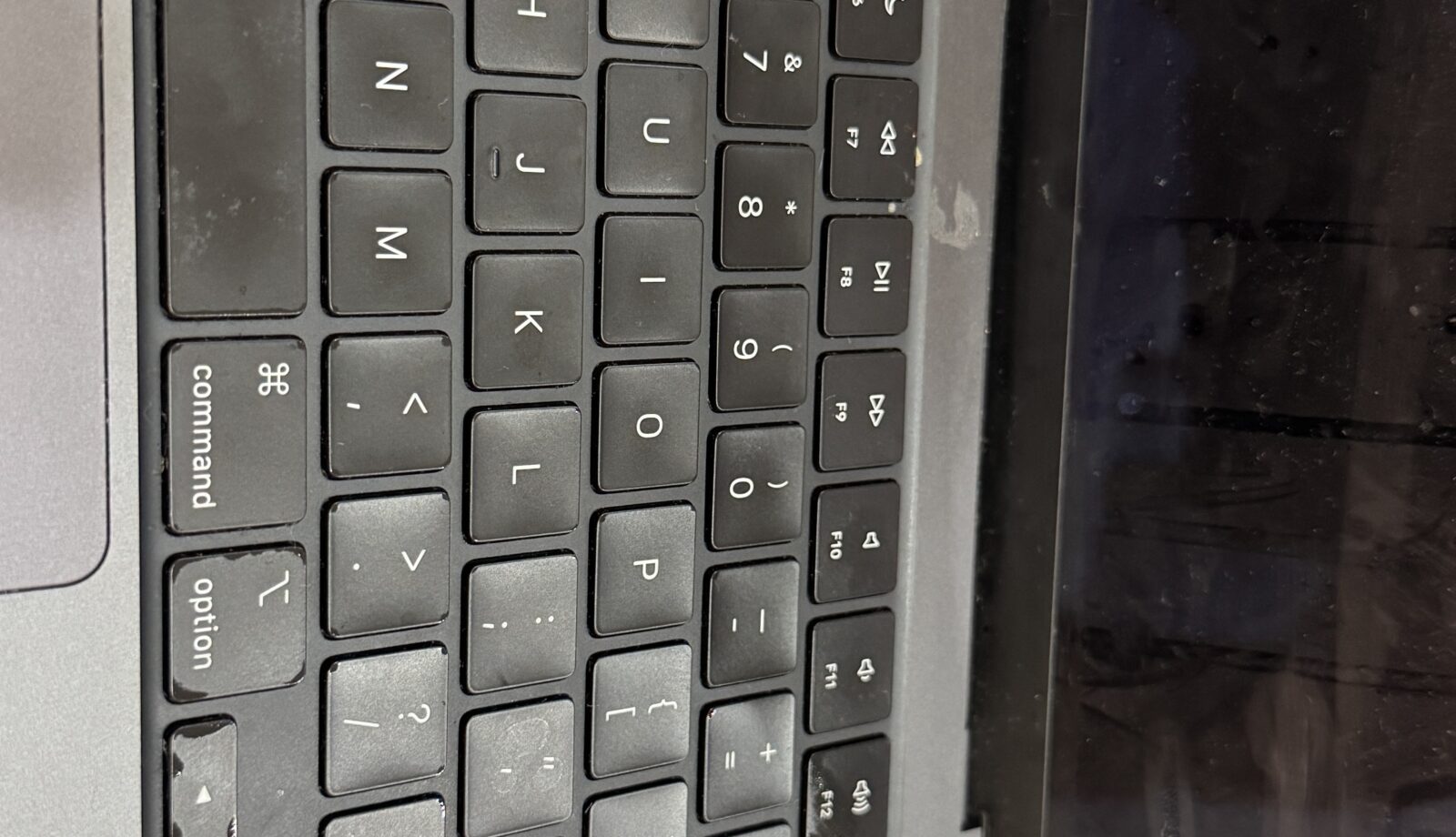
Keyboards get touched thousands of times a day, so it is no surprise they are one of the most common faults to come through our Bentleigh East workshop. A keyboard problem is almost never a reason to replace the laptop. The harder part is working out which cause you are dealing with, because a single dead key, a repeating key and an entire keyboard that has gone silent are not the same fault at all.
The patterns and what they usually mean
A handful of scattered keys that have stopped responding, often the ones you use most, usually means the membrane or dome under those keys has worn out. This is simple mechanical wear and is the most common keyboard fault on laptops more than three or four years old.
A whole row or block of keys failing together points at the keyboard’s ribbon cable or the matrix it connects to. Keyboards are wired as a grid, so one broken trace takes out everything on that line. It also happens after a laptop has been dropped or the base has flexed.
Keys that repeat, type the wrong character or fire on their own are usually a sticky key after a spill, crumbs under the keycap, or a software setting such as Sticky Keys, Filter Keys or a changed layout switched on by accident.
A keyboard that is completely dead while the touchpad and screen work normally is usually a disconnected or damaged cable, or a controller fault on the board.
Safe checks to do at home
- Plug in any USB keyboard. If it types correctly, the laptop’s main board is fine and the problem is the internal keyboard or its cable.
- On Windows, open Settings, then Accessibility, then Keyboard, and make sure Sticky Keys, Filter Keys and Toggle Keys are off. Check the language bar for an unexpected layout.
- Restart the laptop fully rather than closing the lid. A stuck key state in the keyboard controller often clears on a cold start.
- If the keys stopped working after a drink went over them, stop using the laptop and follow our guide on what to do in the first ten minutes after a liquid spill.
We would not recommend prising off keycaps on a modern thin laptop. The scissor clips underneath are fragile and a broken clip turns a free fix into a keyboard replacement.
How we fix it in the workshop
We confirm the fault with a key-test utility that shows every press the laptop registers, which tells us whether the keys are being read at all, or read incorrectly.
On most laptops the keyboard is a separate module that unclips or unscrews from the top case, and we replace it with a new unit in the correct Australian layout. On many thinner models the keyboard is riveted into the top case, so the honest repair is a top case assembly, which costs more but comes with a fresh palm rest and touchpad surround.
Where the keyboard tests fine and the fault is on the board, a lifted connector pin or a damaged trace can usually be repaired at component level without replacing the motherboard. For spill damage we clean and inspect the board under magnification first, because corrosion left in place causes new faults within weeks even after a new keyboard is fitted. We also check the laptop boots cleanly afterwards; our checklist for a laptop that will not turn on covers what we look at.
Cost and time in general terms
A keyboard module replacement is one of the cheaper laptop repairs and is often done the same day if we have the part on the shelf. A full top case replacement sits higher and may need a day or two for the assembly to arrive. Board-level repair is quoted after we have looked at it. If the repair is not worth it on an older laptop we will say so and talk through moving your data to a new machine.
When to bring it in
If an external keyboard works and the built-in one does not, there is nothing further to try at home. Bring it in straight away if the keys failed after a spill, if the laptop was dropped, or if the touchpad or power button are also playing up, because those point at the board rather than the keyboard. You can read more about our laptop repair service or simply drop in.
Frequently asked questions
Can a single key be replaced rather than the whole keyboard?
Sometimes. If the keycap or its clip is the only thing broken and the switch underneath still registers, a single cap can be fitted. If the key has stopped registering, the keyboard module needs replacing.
My keyboard works in the BIOS but not in Windows. What does that mean?
That is a software fault rather than a hardware one, usually a driver or a setting, and a quicker and cheaper fix than a keyboard replacement.
Will a new keyboard have the Australian layout?
Yes. We fit the correct layout for the model and check the layout setting in the operating system before the laptop goes back to you.
Book a keyboard repair in Bentleigh East
Melbourne IT Services is at 2 Bellevue Road, Bentleigh East VIC 3165, with parking at the door. We are open 7 days from 5am to 11pm. Call or text 0421 388 876 and we will tell you whether we have the keyboard for your model in stock.
