
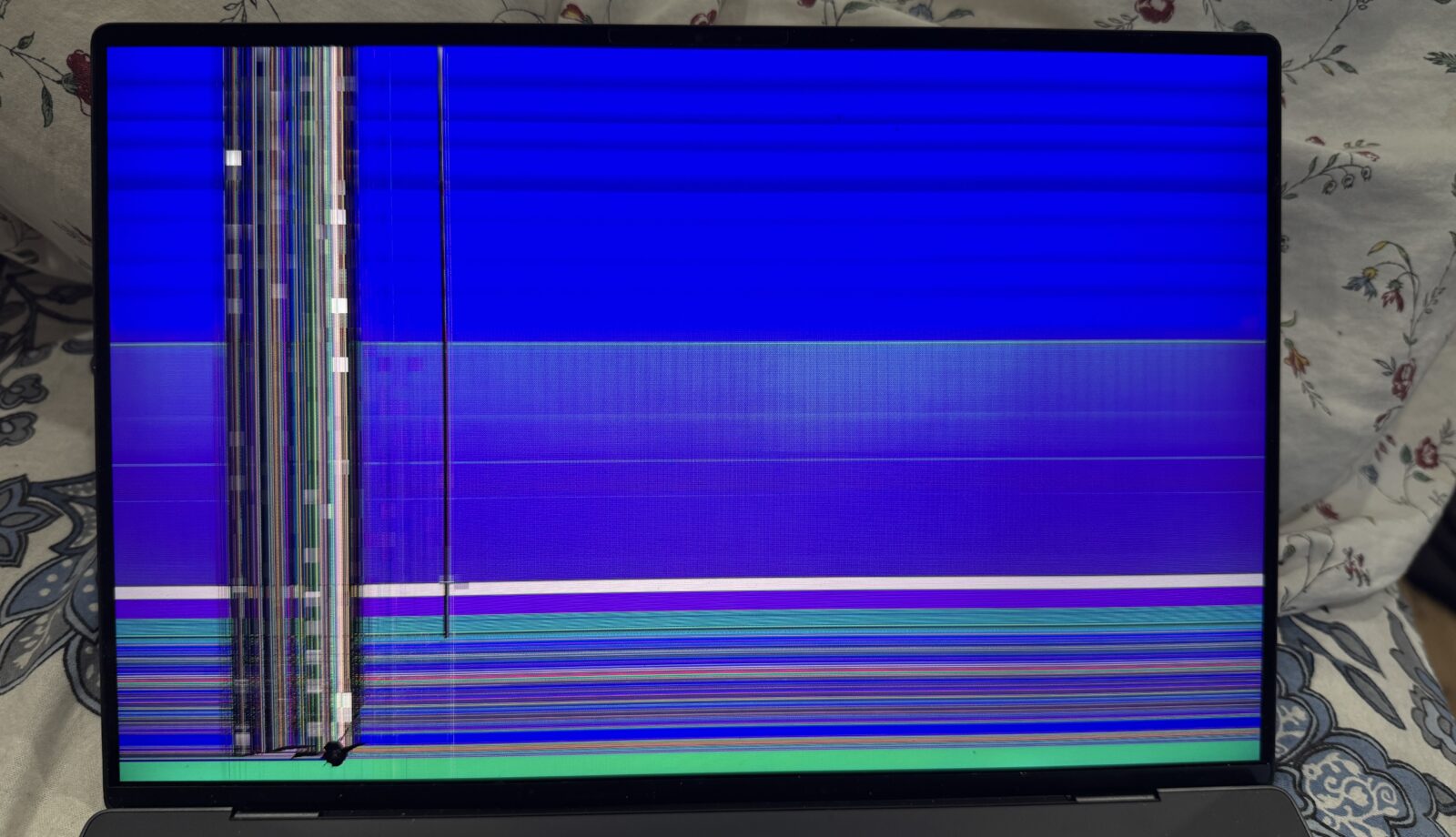
A blue screen with a sad face and a percentage counter is one of the more alarming things a Windows laptop can do. In the workshop we see several a week, and the first thing we tell people is that the blue screen is Windows deliberately stopping itself to avoid corrupting your files. It is a symptom, not a verdict, and the stop code on the screen is the start of the diagnosis rather than a death notice.
This guide covers what the common codes point to, the checks that are safe to run at home and how we get to the root cause when the laptop comes in to Bentleigh East.
Reading the stop code
Every blue screen shows a stop code in capital letters, such as MEMORY_MANAGEMENT, CRITICAL_PROCESS_DIED, KERNEL_DATA_INPAGE_ERROR or DRIVER_IRQL_NOT_LESS_OR_EQUAL. Photograph it with your phone before the laptop restarts, because the code narrows the search considerably, and a file name underneath it can identify the exact driver that fell over.
As a rough guide from what crosses our bench: codes containing MEMORY or PAGE_FAULT lean towards faulty RAM or a drive that cannot read back what it wrote. KERNEL_DATA_INPAGE_ERROR and anything mentioning NTFS usually involve the storage drive. Codes that name a .sys file are most often a driver, and WHEA_UNCORRECTABLE_ERROR points at hardware, frequently heat or a power delivery fault on the board.
One-off or pattern?
A single blue screen after an update is not unusual and may never return. What matters is repetition and timing. Crashes under load suggest heat or power; crashes when the chassis flexes suggest a loose connection or a cracked solder joint; random crashes while idle usually mean memory or storage.
What to try at home
- Unplug every accessory, including docks, external drives and USB hubs, and see whether the crashes continue. A faulty accessory driver is a common and cheap culprit.
- Check Windows Update history for a driver or update installed just before the trouble started; the most recent update can be uninstalled from the recovery options.
- Run the built-in Windows Memory Diagnostic from the Start menu. It takes a restart and twenty minutes or so, and a reported error means the RAM needs attention.
- Make a backup now. If the cause turns out to be the drive, every crash is a chance for it to get worse.
We would steer you away from registry cleaners, driver updater programs and anything that promises a one-click fix. They add more unknown software to a machine that is already unstable, and they do not test hardware.
How we trace it in the workshop
We start by reading the minidump files Windows writes with each crash, which name the faulting module far more precisely than the screen does. Then we test the hardware independently of Windows: a full pass on the memory, a health and surface read of the storage drive, and a thermal run under load. If the dumps implicate a driver we roll it back or replace it; if the drive is marginal we clone it to a new SSD before it fails; if memory is at fault we replace the module or, on soldered systems, assess whether a board repair is sensible.
When the evidence points at the motherboard, we move to component-level work through our motherboard repair service rather than suggesting a new laptop.
Cost and time in general terms
A diagnosis that ends with a driver rollback or a Windows repair is the quickest and least expensive outcome, often same day. Replacing a failing drive adds the cost of the SSD and the time to clone or reinstall, still usually a one-day job if the old drive is readable. Memory replacement on laptops with removable modules is quick; board-level repair takes longer and is quoted after inspection. We give a firm figure before any parts go in.
When to bring it in
If the blue screens are recurring, if you have seen a storage-related code even once, or if the laptop crashes during start-up so that you cannot reach your files, stop restarting it and bring it in. Repeated crashes on a weak drive are the most common way we see people lose data that could have been saved, which keeps our data recovery bench busy. If the laptop no longer gets as far as Windows at all, our guide to a laptop that will not turn on covers the checks that come before this one.
Frequently asked questions
Does a blue screen mean I need a new laptop?
Rarely. Most of the blue screens we see are drivers, a tired drive or a memory module, all of which are repairable at a fraction of a replacement.
Will reinstalling Windows fix it?
Only if the cause is software. A reinstall on faulty RAM or a failing drive will crash again, sometimes during the install itself, so we test hardware first.
Can I keep using the laptop while I decide?
You can if you have a current backup and the crashes are occasional. If a storage code has appeared, we would rather you did not.
Bring the laptop, its charger and a photo of the stop code to our laptop repair workshop at 2 Bellevue Road, Bentleigh East VIC 3165, with parking at the door. Melbourne IT Services is open 7 days, 5am to 11pm. Call 0421 388 876 to book.
